Skip to content
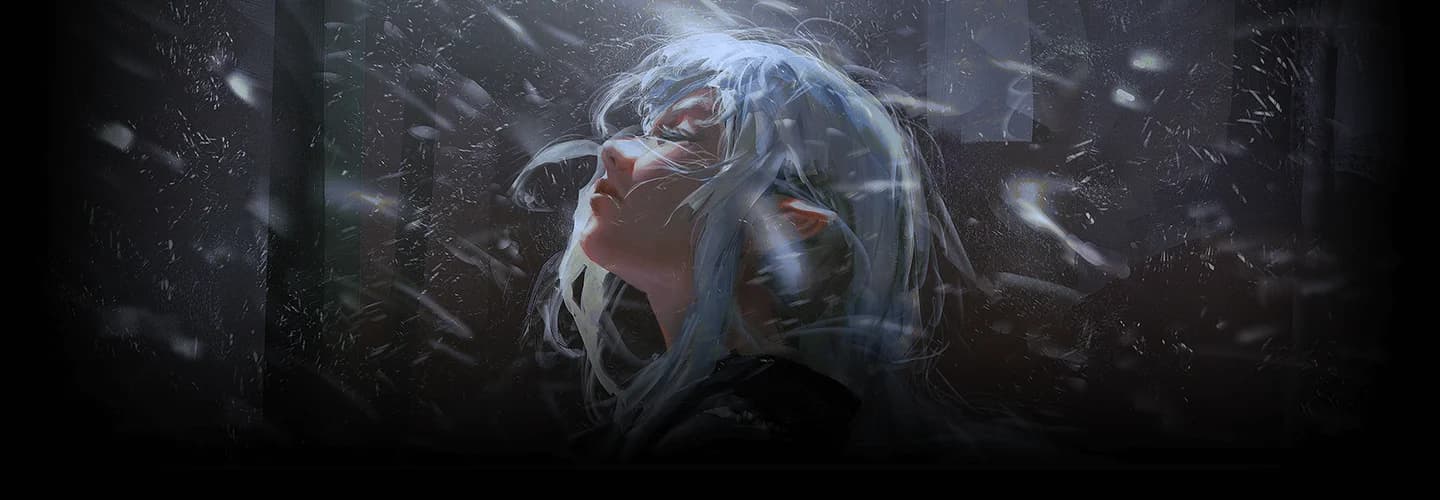
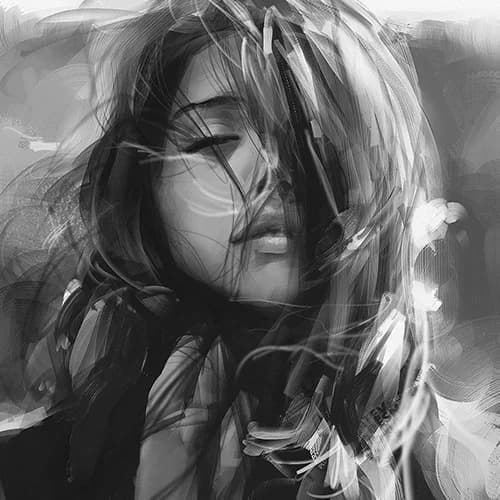
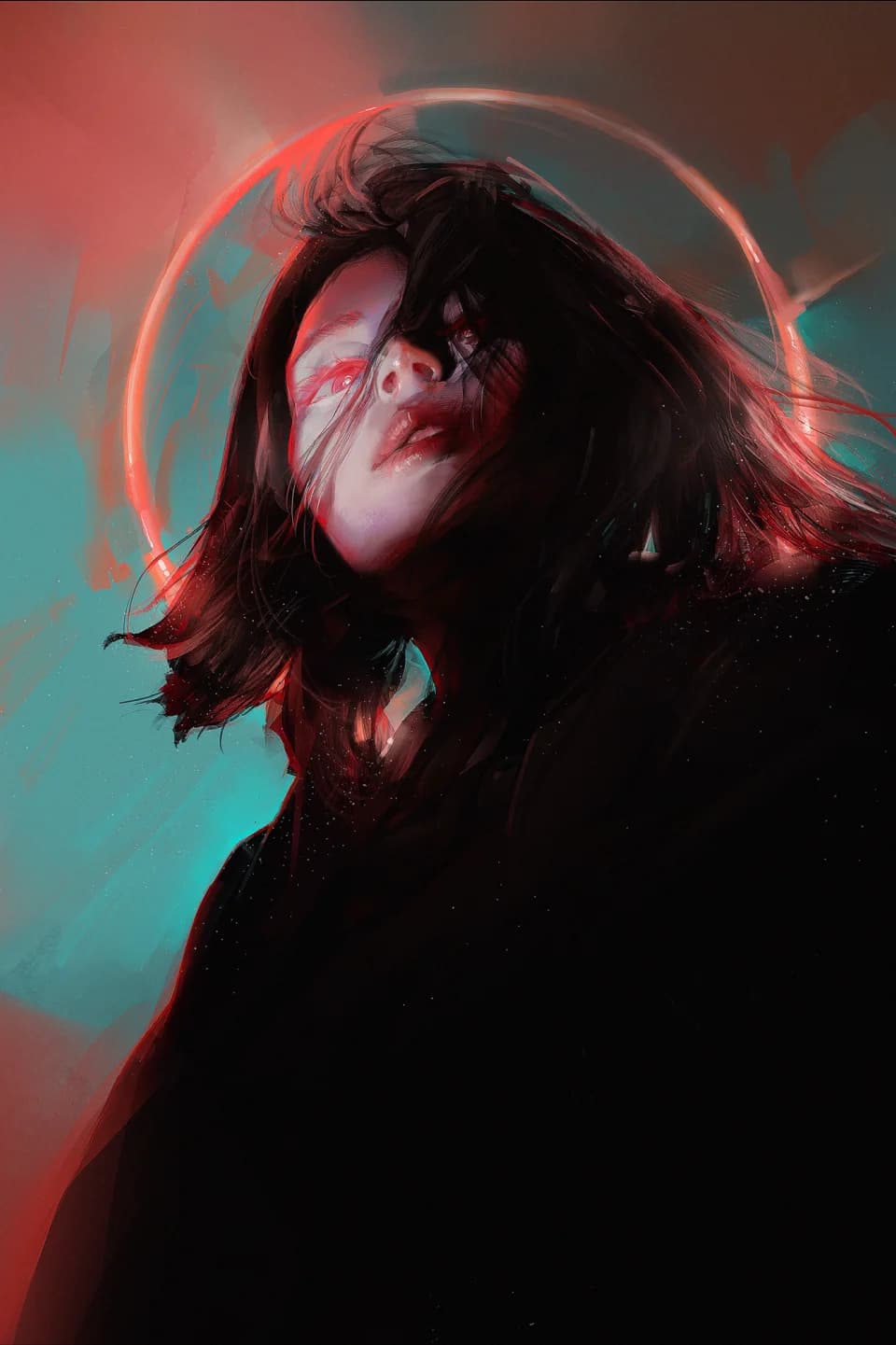
Pluvium’s painting of a pale-haired figure lit by cold blue light

Fundamentals to Mastering Stylized Portrait Painting

“Ever wanted to create semi-realistic characters from a fresh perspective? I'll help you build up the skills you need, step-by-step.”

Rediscover Your Fundamentals.

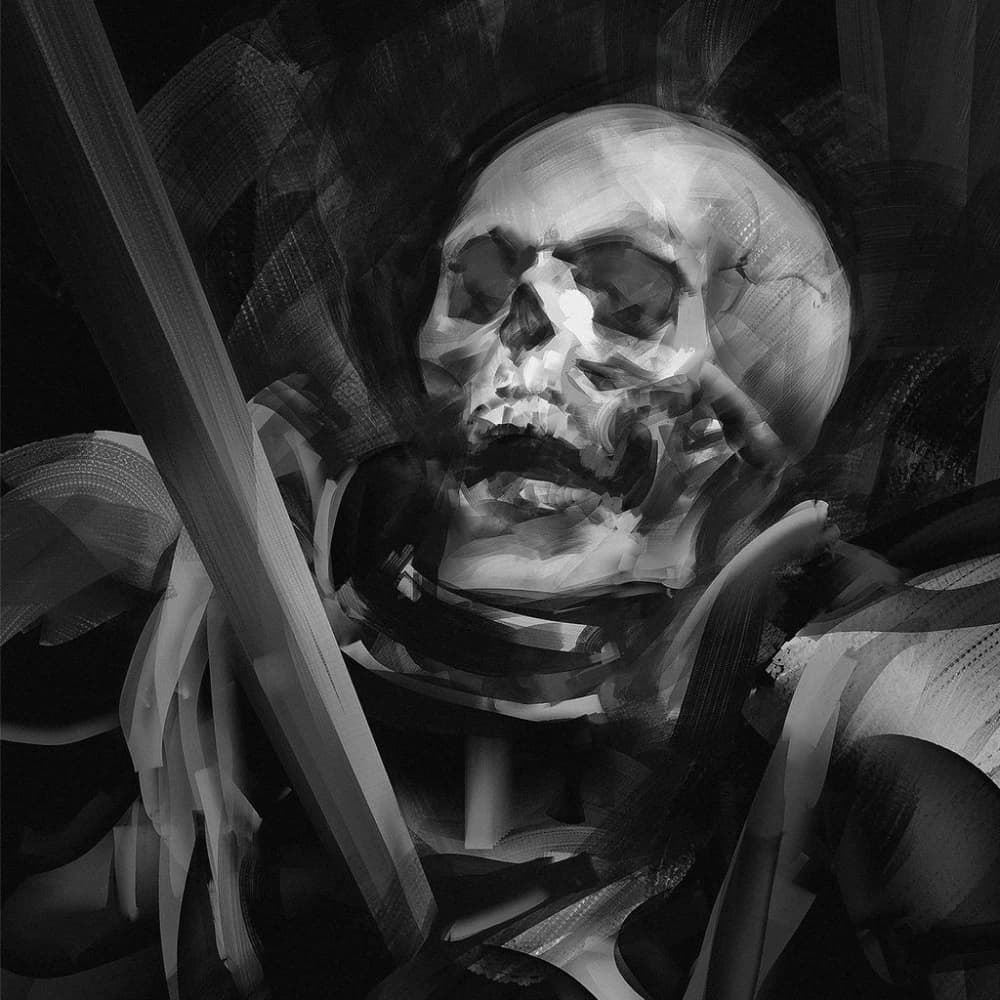
There's an undeniable allure to Pluvium’s works that captures and holds your gaze. Is it the masterful use of lighting, or the deliberate precision in each stroke? Pluvium knows the secrets and is ready to unveil them, sharing his techniques in full detail.

A Solid grasp of the fundamentals paves the way for solid growth. In the fiercely competitive field of character art, mastering the fundamentals is becoming increasingly important. Whether you’ve studied the basics or not, this class offers a fresh perspective, transforming how you approach your creation process from the very ground up.

This course will challenge and guide you to build a reliable foundation of skills that will serve you throughout the rest of your artistic journey. If you’re feeling stuck or experiencing a slowdown in your progress, you’ve found the right place to be.

Get These Coloso Exclusives

Artist's Most Used Brushes
Photoshop Files with Layering
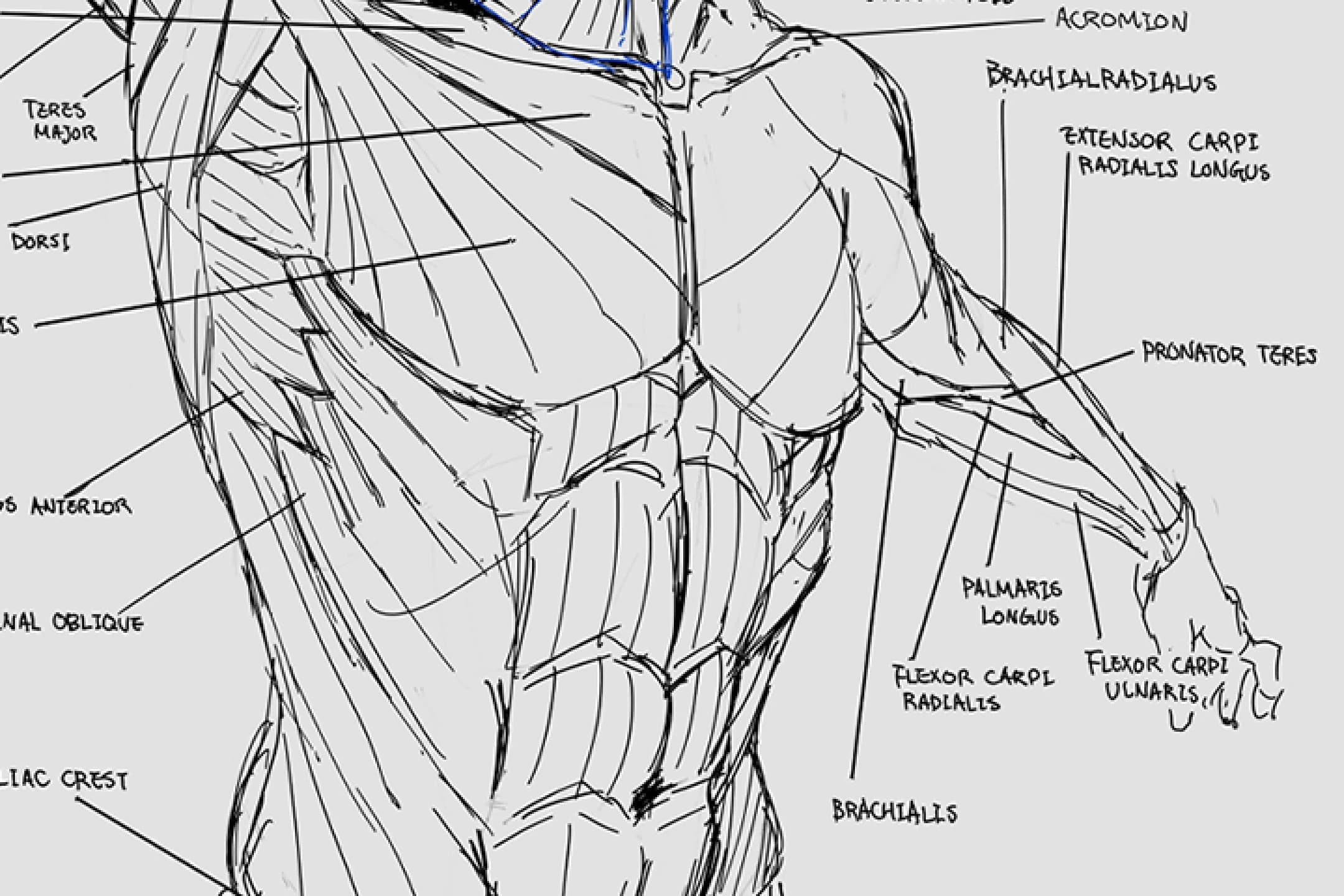
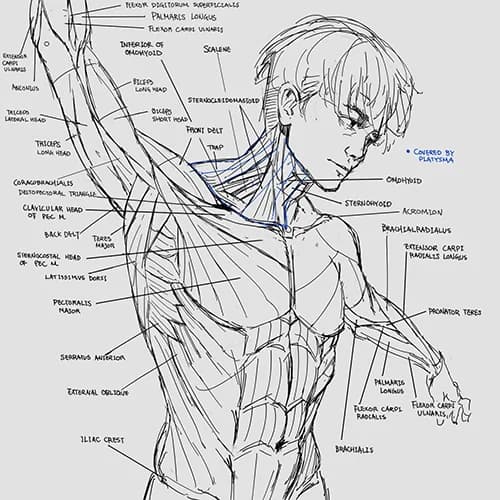
Personal Anatomy Notes
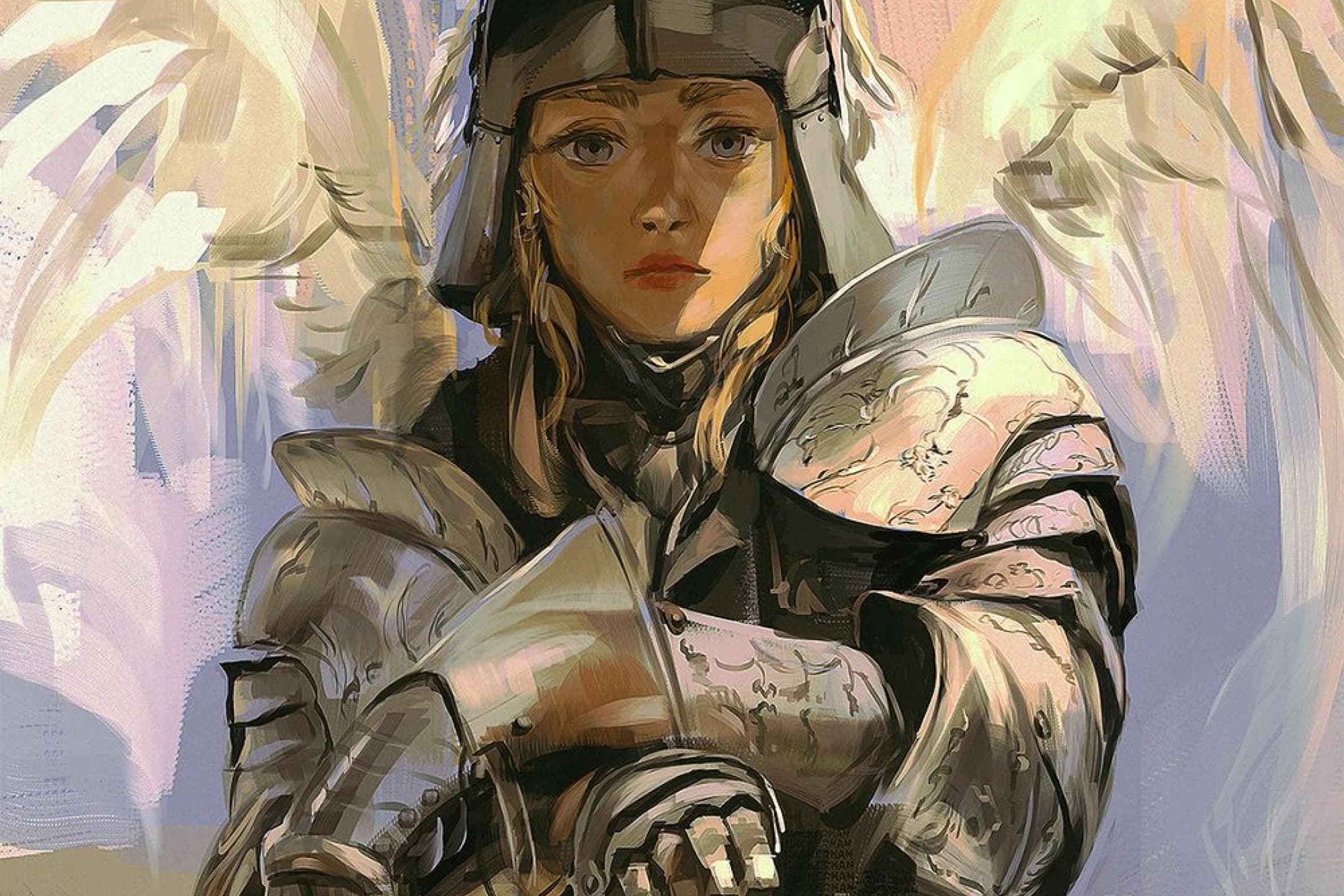
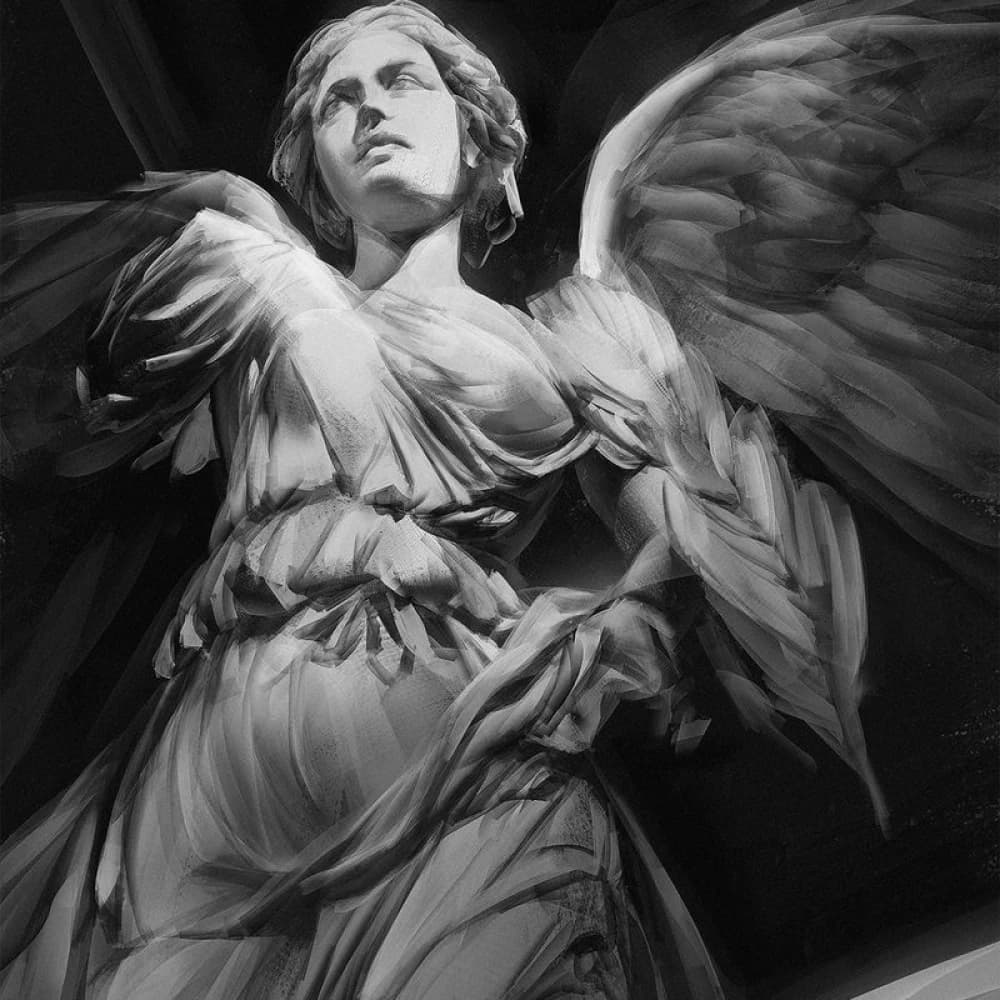
Pluvium’s painting of an armored figure with pale wings

Why Take This Class?

Build a reliable foundation of skills that will serve you throughout the rest of your artistic journey.

With a focus on both theory and practical application, Pluvium guides you through every critical aspect, from character posing techniques to understanding complex lighting and color dynamics.

By the end of this class, you will have a completed portrait painting of an original character and a comprehensive skill set that encompasses everything from foundational techniques to advanced artistic strategies. If you’re serious about elevating your character art and want a structured, in-depth approach to learning, Pluvium’s portrait painting class will become an invaluable resource for you.

12 Class Exercises

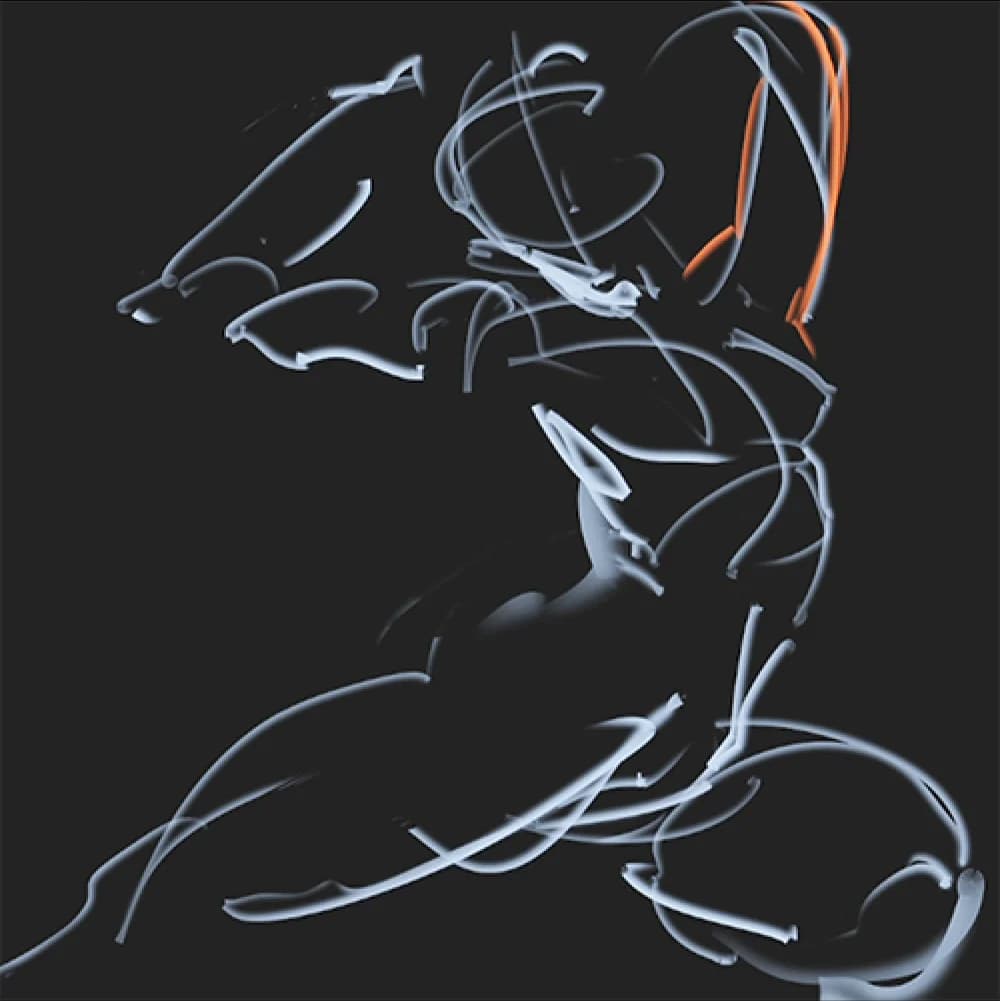
  1. Lines and Sketches

  2. Shapes and Values

  3. Geometrical Sketches

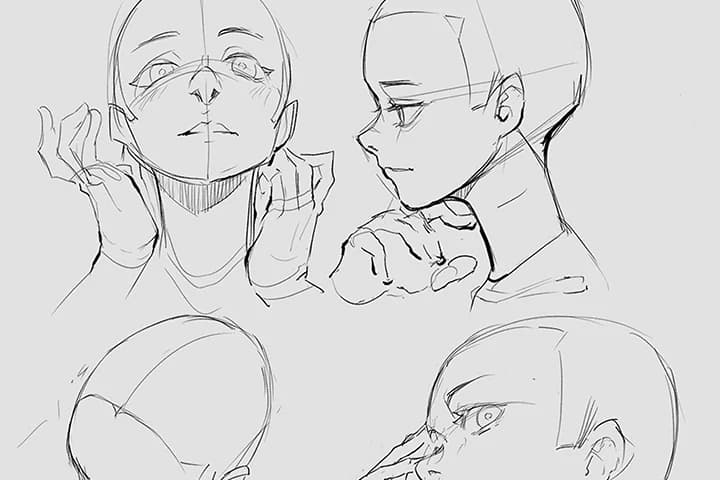
  4. Anatomy Drawing

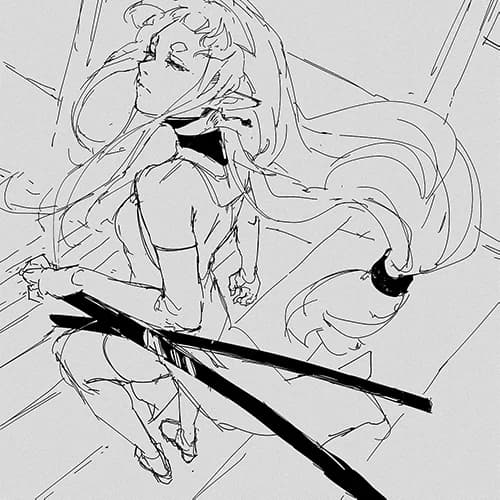
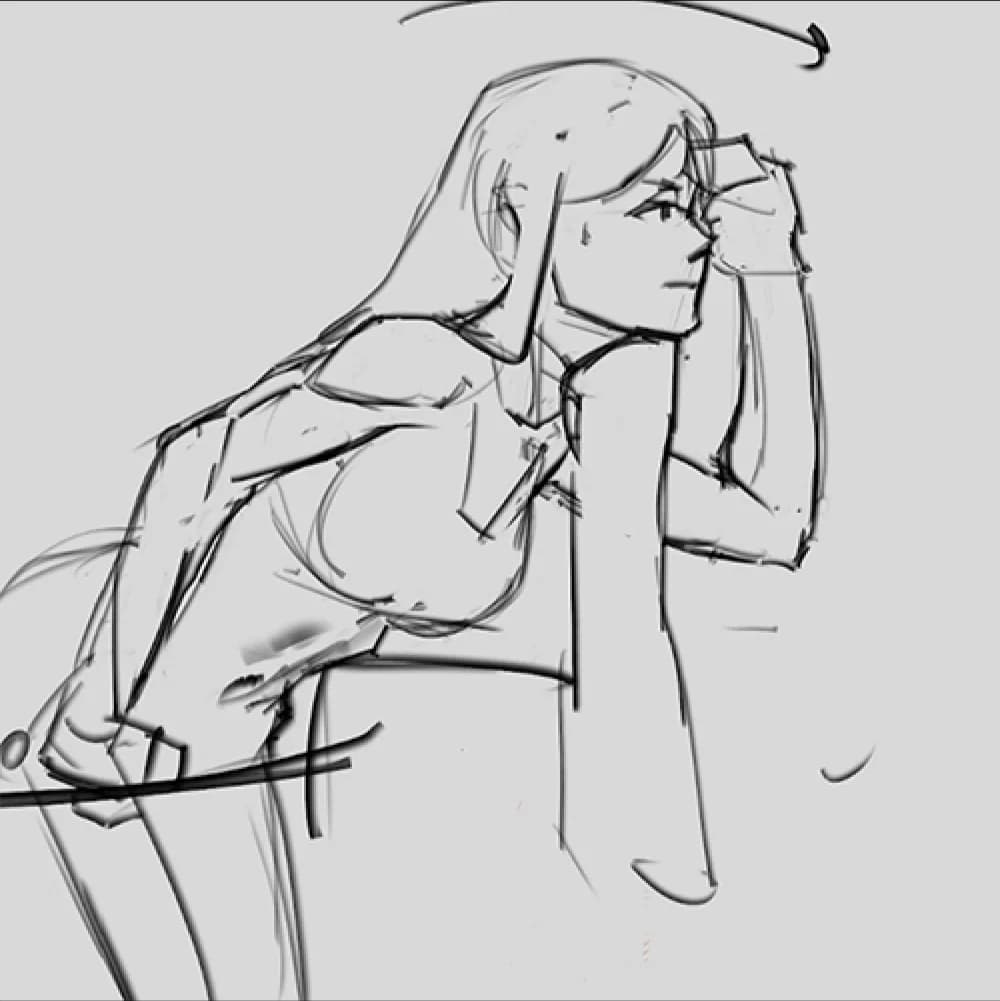
  5. Figure Drawing

  6. Structural Figure Drawing

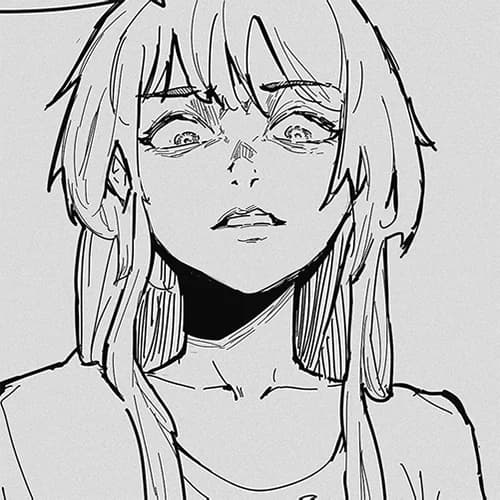
  7. Facial Expression

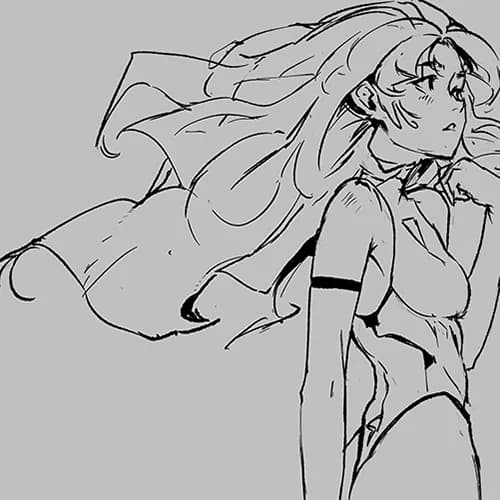
  8. Drawing Hair

  9. Value Study

  10. Shape Extraction

  11. Stylized Painting from Reference

  12. Design and Paint Original Character

Final Products

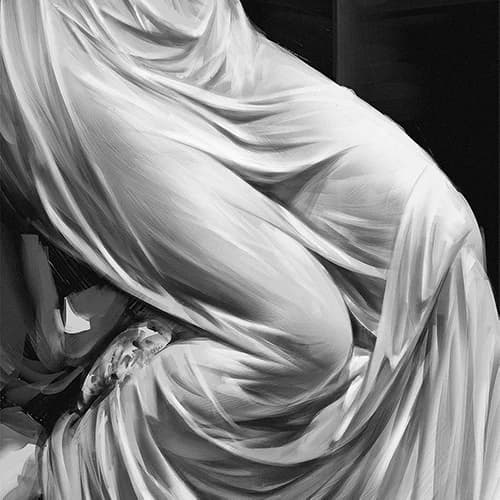
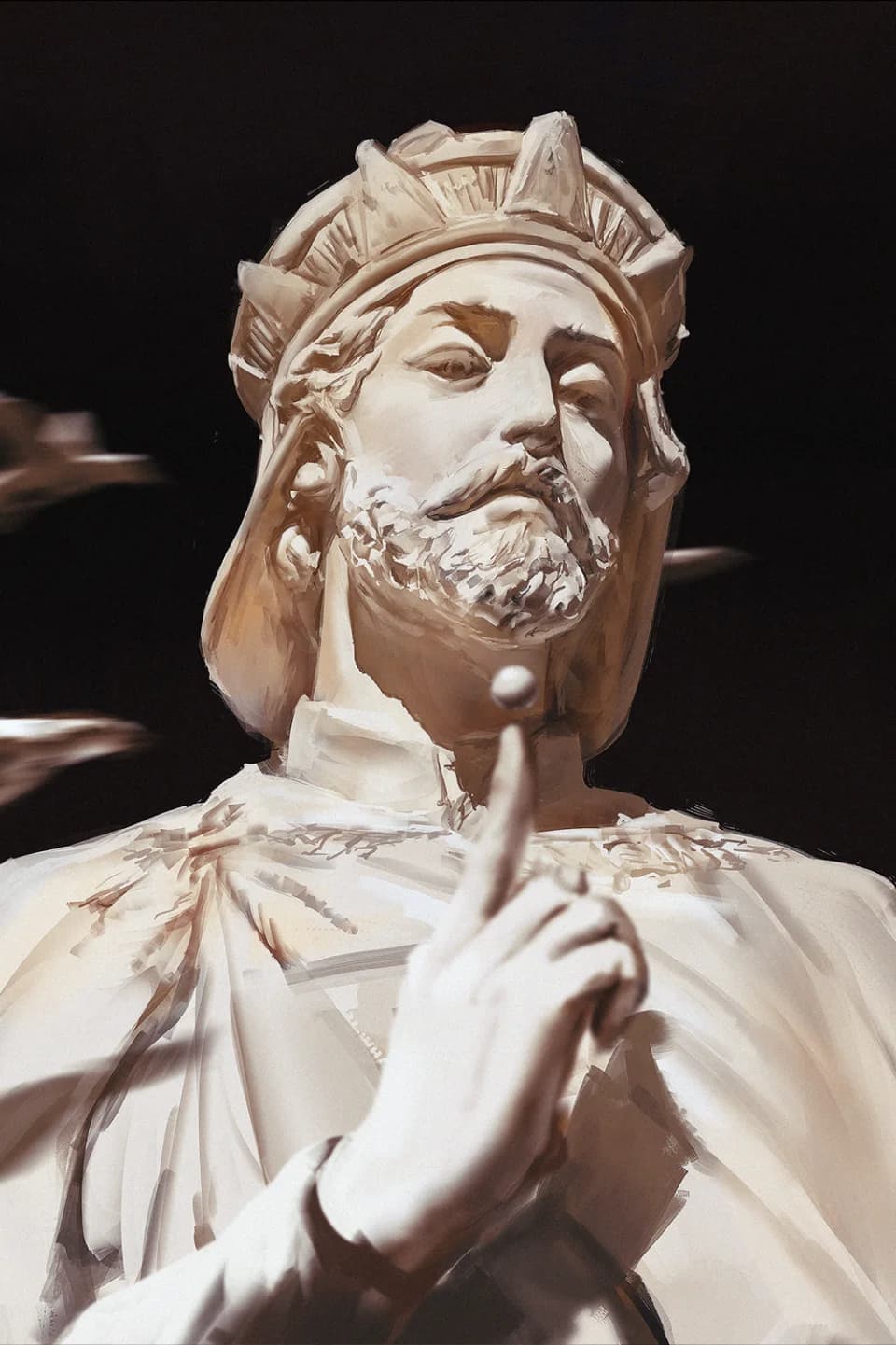
Statue Study
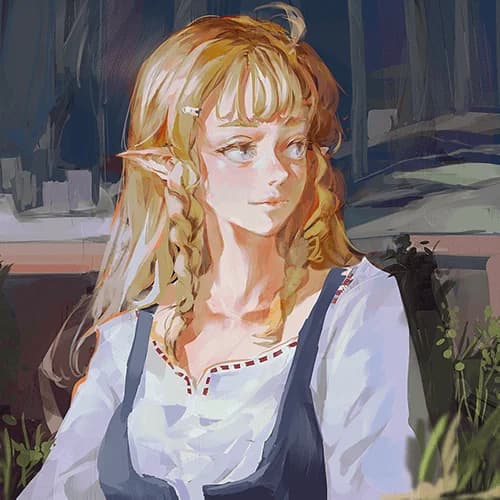
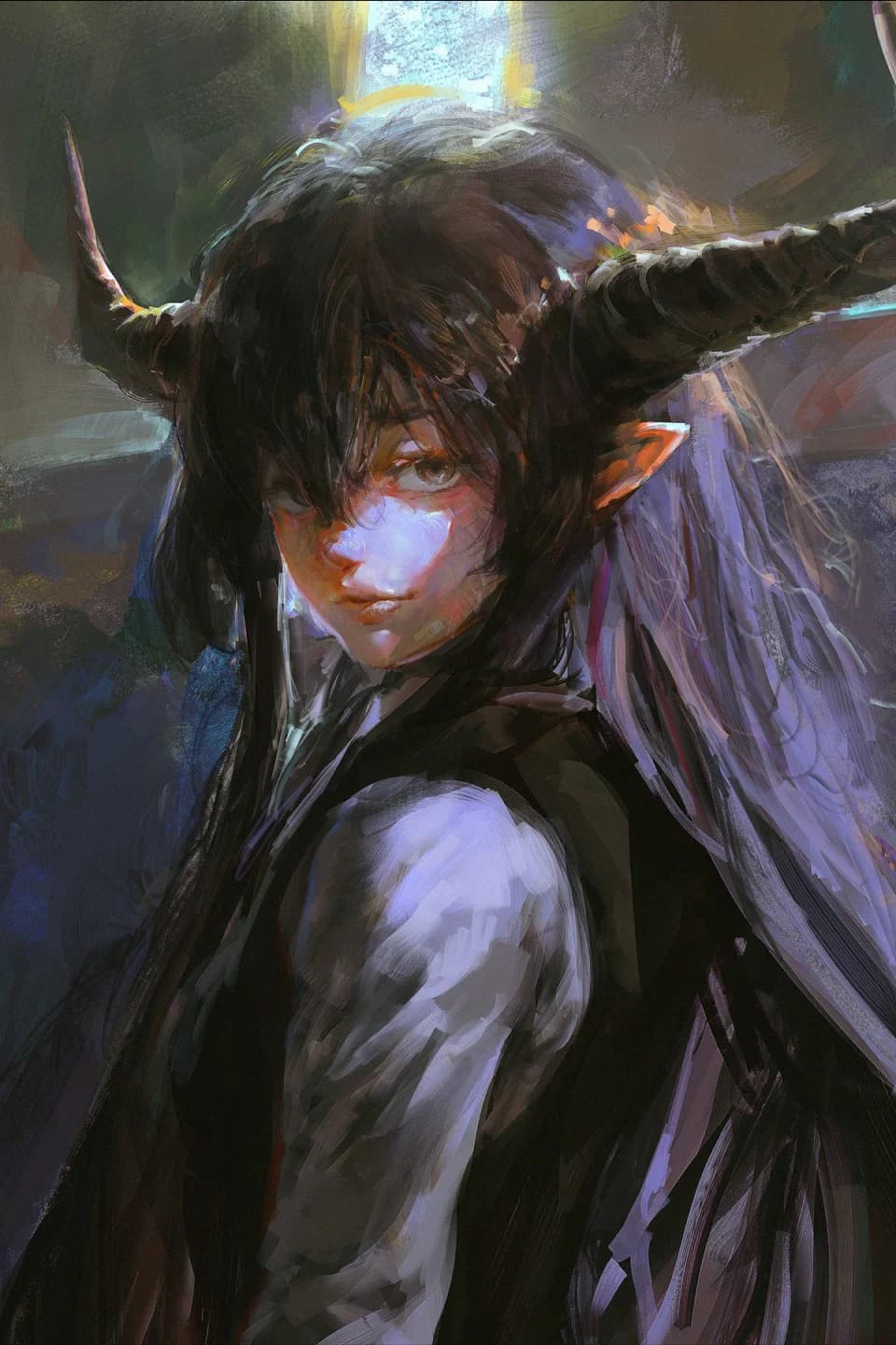
Referenced Character Illustration
Original Character Illustration

Class Highlights

Effective Method of Studying Fundamentals

Knowing what to look for and what to omit can speed up the learning process. Studying with a critical mindset is always important. This approach helps you focus on essential skills, making your progress more efficient and effective.
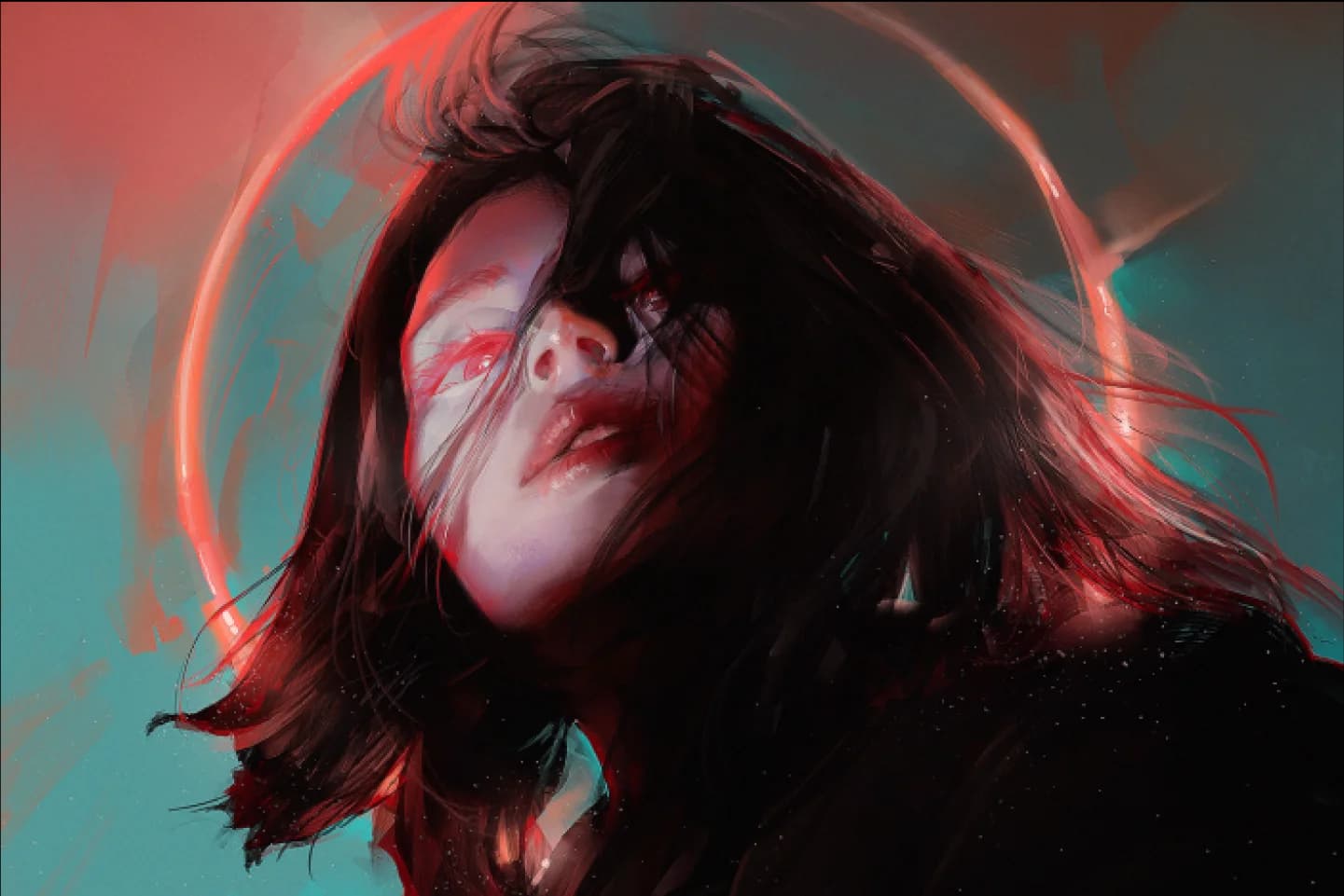
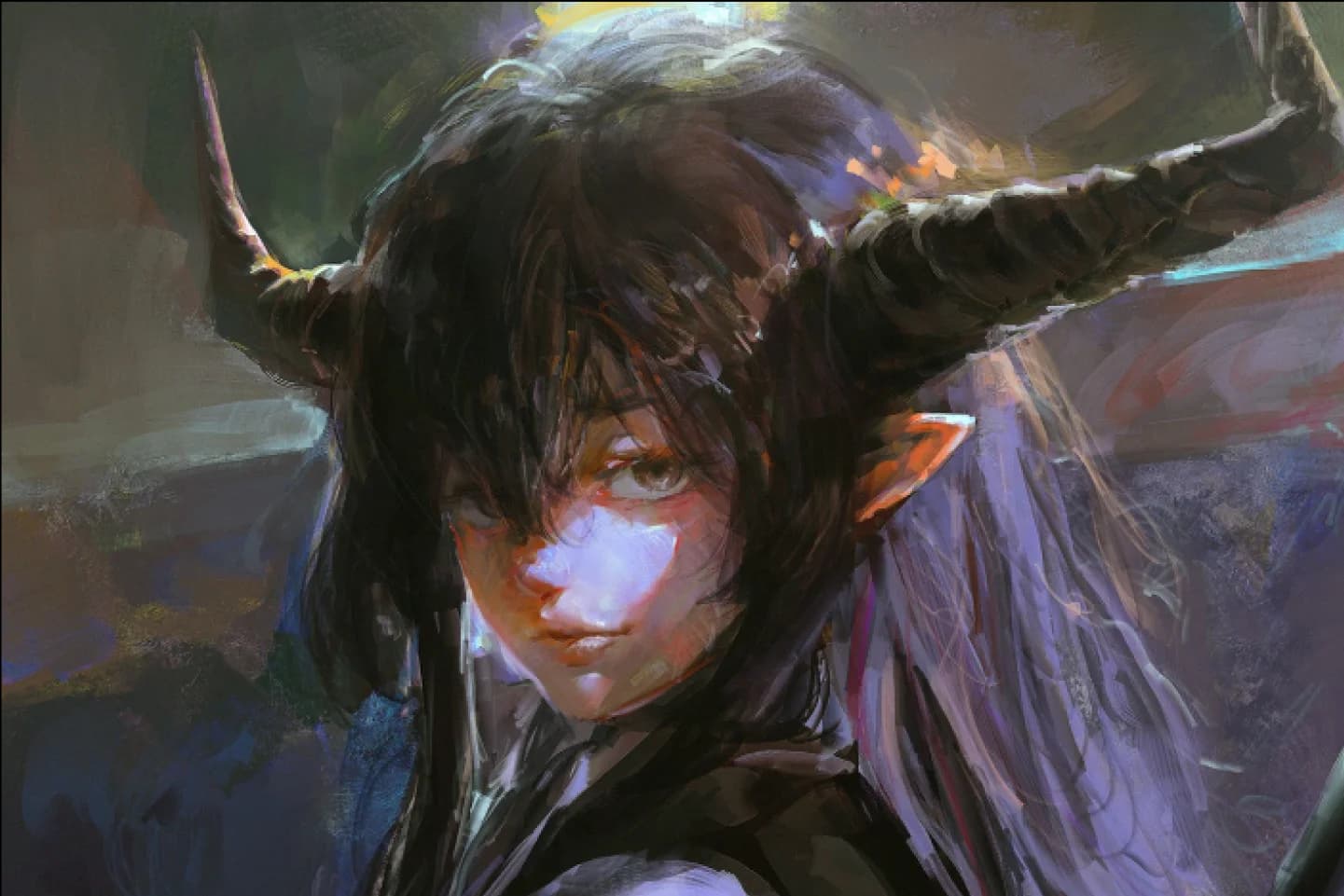
Adopting Essential Reference Lighting

Lighting an object using reference can ground your illustration. Without proper lighting, the image can seem off and distracting even when highly rendered. Mastering the use of lighting ensures your artwork feels cohesive and visually compelling.

Finding Your Own Way of Stylization

Stylization should be a collection of choices you make to make your art personal. Know your own preferences and pinpoint the elements that make it unique.

You'll Learn

  1. Starting with Your Setup

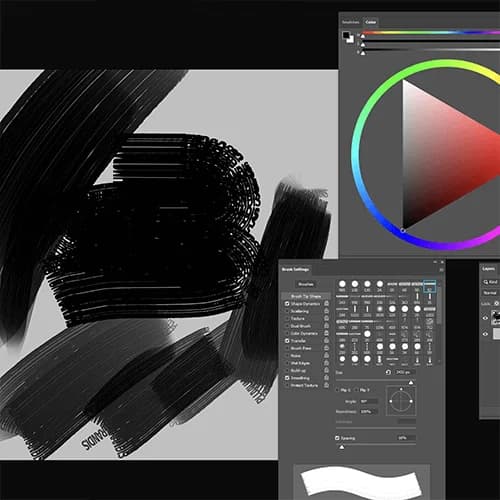
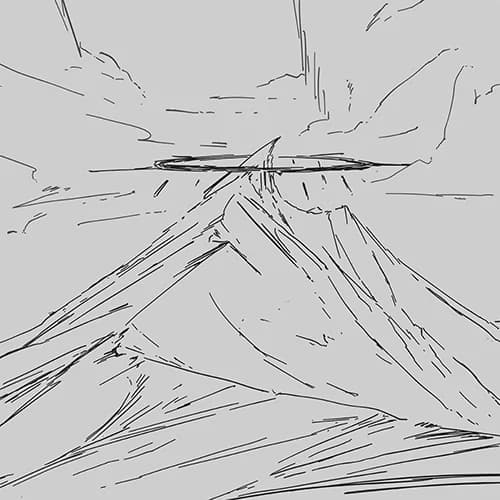
    Start by looking at the software and brushes that will be used, as well as the unique approach to digital painting.

  2. Understanding the Basic Fundamentals

    Thoroughly understand the foundational elements of drawing and painting: line, shape, and value and working your way up to color.

  3. Setting up the Right Lighting

    Study elements of lighting and understand how to use them as part of the composition.

  4. Breaking Down Anatomy

    Break down the method of drawing human anatomy, and practice posing with a focus on believable posing and lighting.

  5. Personal Stylization

    Explore your preferences and stylize your art purposefully. Solidify your knowledge of what you have learned, and find your style that resonates with you.

  6. Original Character Painting

    Bring your original character to life. Empower yourself with the proficiency to bring your vision to a full-fledged illustration.

Curriculum

OT1 lesson
  1. Orientation

    • Meet your instructor and learn about the overview of this class
Setup3 lessons
  1. Software and Setup

    • Look at common features and interface elements
    • Set up your workspace
  2. Brushes and Brush Making

    • Introducing some common brush settings
    • Choosing a brush
    • Make your own brush
  3. Layering (Or Not) and Layering Options

    • When do you use layers?
    • Understanding layer modes
    • Reasons I don't use layers
Fundamentals5 lessons
  1. Lines

    • Brush settings for your lines
    • All about line quality
    • Focusing on line weight
  2. Shapes

    • Extracting shapes from a reference
    • Composing with shapes
    • Go through thumbnailing process
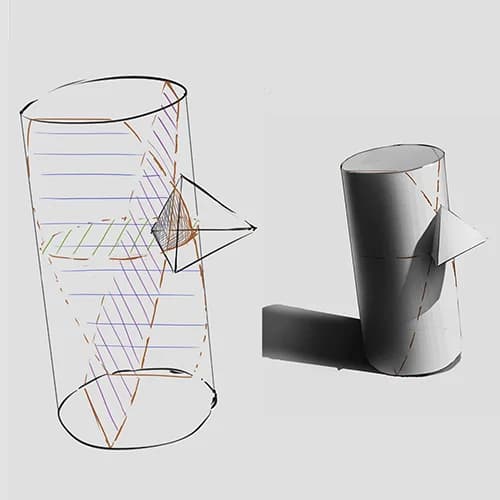
  3. Perspectives

    • Accuracy and correctness
    • Object interaction and light
  4. Values

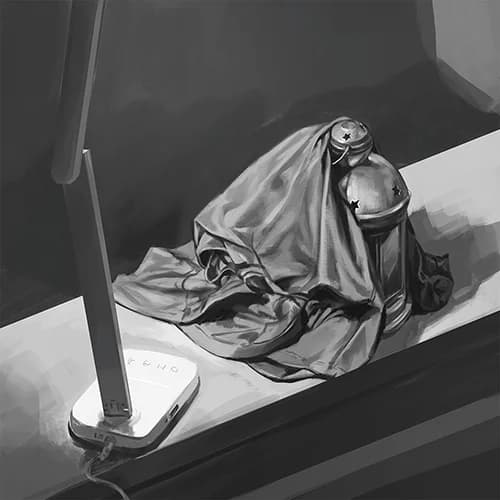
    • Studying values from a statue reference
    • Lighting methods you need to know
    • Using values to define edges
    • Working on texture detail
  5. Colors

    • Learn the basic color theory
    • Using hue and saturation as values
    • View saturation in different value ranges
Studying9 lessons
  1. Technical Reference

    • What to Look For: Clarity of subject
    • Form break-down
  2. Features

    • Studying body parts in isolation
    • Drawing facial features
    • About body parts and landmarks
  3. Figure Drawing

    • What to Look For: Avoid ambiguity
    • Referenced studies
    • Imaginative practices
  4. Facial Expressions

    • Sketching the eyes
    • Detailing on skin folds
    • How about mouth and lips?
    • Angle and lighting
  5. Designing Hair

    • Laying out the base of the hair
    • About hair sections
    • Expressing flow
    • Adding lighting
  6. Value References

    • What to Look For: Lighting type
    • Understanding dynamic range
    • Examine blocking
  7. Draw Along!

    • Pin up statue reference
    • Blocking major shapes accurately
    • Adjusting value ranges early
    • How about subtle forms?
  8. Don’t Be Afraid of Making Major Changes

    • Learn About: Lasso
    • Learn About: Liquidfy
    • Try repainting!
  9. Inserting an Object

    • Paint in objects with lighting consistency
    • How does surrounding object affect color and light?
    • Form collision and intersections
Stylization5 lessons
  1. Mood Board and Main Reference

    • Analyzing a reference
    • Good vs Bad references
  2. Picking Your Focal Point

    • Remember to not pick too many!
    • Everything About: Design focus
    • Everything About: Lighting focus
  3. Intentional Deviation from Realism

    • What is important to you in an illustration?
    • Consistency in application
    • Exaggeration vs Understatement
  4. Draw Along!

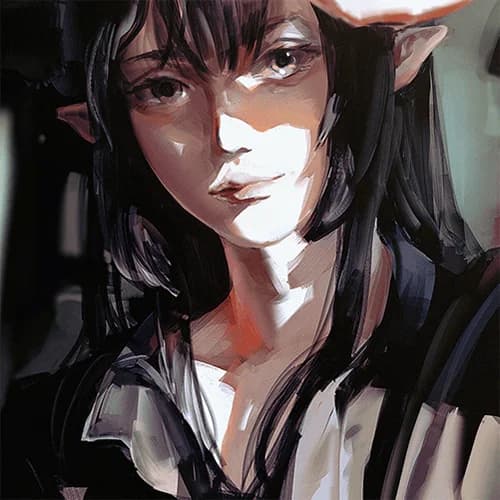
    • Portrait reference
    • What are your lighting styles?
    • Keep an eye on saturation
  5. Self Critique

    • Isolate the good and bad parts
    • Making a plan to address them
    • Recording your own timelapse
Original Character Painting3 lessons
  1. Original Character Design

    • Design with painting in mind
    • Inquire into main elements
    • Less is sometimes more!
  2. Painting Based on a Reference

    • Use the lighting and composition of the reference
    • Adding and matching features from your character
    • About the complexity of light
    • Modifying the lighting to accent your character's designs
  3. Finishing Touches

    • Check out layering (or not)
    • Pointing out the edge and details
    • Lens blurs, glare, highlight, and environmental light
Bonus: Finalization2 lessons
  1. Shape Searching: Painting from a Void

    • See the overall balance
    • Texture and shape spam
    • Complete clean up procedure
    • Now, let's repeat!
  2. Adjustments and Clean Up

    • Adjustment explanation
    • Looking through filters
    • Uncommon filters and touch-ups
Conclusion1 lesson
  1. Portrait and Character Art Is Only a Part of the Whole

    • Applying the method to other subjects
    • Implementing it in your career
    • Don't stop, keep drawing!

Class Reviews

5.0 (Total 7)

“A great course that teaches everything you need to know to paint in Pluvium’s style. The instructor talks a lot and provides explanations throughout the painting process. The step-by-step process is easy to follow. It’s a painting technique that starts with shapes rather than a sketch. I really enjoyed this course.”
“I'm primarily a furry animal artist, however I found this class tremendously helpful! It helped me get through understandings of light, values and shapes. A major thing I found extremely helpful was how pluvium teaches how to study a reference and things to keep in mind, making studying art a much easier process and allow me to be able to use references more efficiently and learn from each piece of work I create.”

Interview with Illustrator Pluvium

Is there a specific reason why you chose this specific topic/themes?
Character art is a favorite for many artists because a portrait can be captivating, and a pin-up can easily be shown as a standalone piece. Not to mention, we all have characters or people we hold dear. However, as you may have noticed, it is a very competitive field, with so many people picking character art and design as their first choice of career focus. I'd like to provide my perspective on how to differentiate your art in this field.
Please share your thoughts on the industry's job market and what you see in the industry's future.
Art will always be seen as a luxury item. Even if it is used as a part of a project to create something more significant (games, movies), we are constantly drawn to it. As long as people continue to enjoy art, there will be a demand for art in the industry. However, with the advancement of software and hardware tools to shorten workflow, the production of visual goods has outpaced people's appetite for it, making this one of the most competitive markets I know. Unique personal taste and craftsmanship are necessary for an artist to succeed in this field, and more so now than ever.
What are some "to-go" or "must-have" tools in your industry, and why?
Fundamentals. It is a boring topic for some, but it is called that for a reason. All your growth and ability to adapt will depend on it to some degree. As for actual hardware or software, I believe a screen tablet is very beneficial. Depending on the industry you are going into, you will see different workflows and necessary software. As far as 2D illustration goes, Photoshop and Clip Studio Paint are the most widely used ones.

In-person and mentorships

In-Person | Oil, Acrylic, Digital

Small class setting in-person. Learn oil, acrylic, digital, and other mediums in my workshop based in Las Vegas.

8668 Spring Mountain Rd. Unit 101, Las Vegas 89117 @Lan Tien Culture center

Mentorships

Online personalized mentorship for digital painting. Available for all skill levels. Seats are limited and announcements are made prior to each season. Please follow or email for those interested.